
Welcome to installing SystemC version 2.3.1 on Linux. This article with show you how to quickly and easily install SystemC-2.3.1 on your computer running linux. This article is based on Ubuntu Linux 16.04, other versions based on debian linux should work as well.
Prerequisites
Run the following command from your terminal or console to make sure you have all the tools necessary compile SystemC files.
$ sudo apt-get install build-essential
Download
Download the SystemC-2.3.1a by clicking here.
The downloaded file is named as systemc-2.3.1a.tar.gz, unzip it using the following command. Make sure you are in the same directory as the downloaded file.
$ tar -xvf systemc-2.3.1a.tar.gz
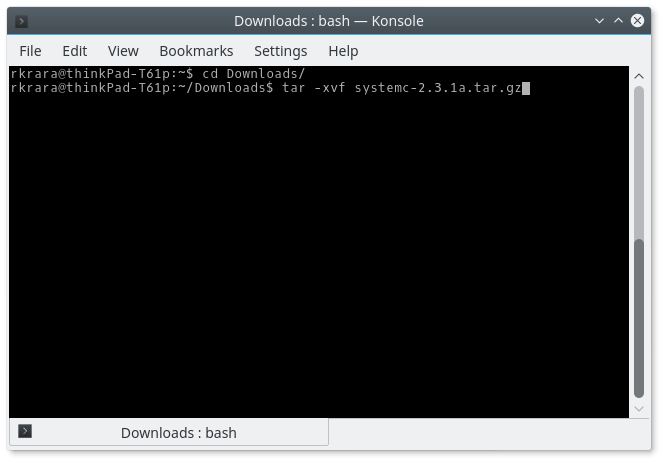
Now, goto the directory just created by the tar command, and create a directory called objdir there.

Now, get into the objdir and create a directory systemc-2.3.1 in the folder
/usr/local/
Notice you will need to use sudo to be able to create directory in that folder.
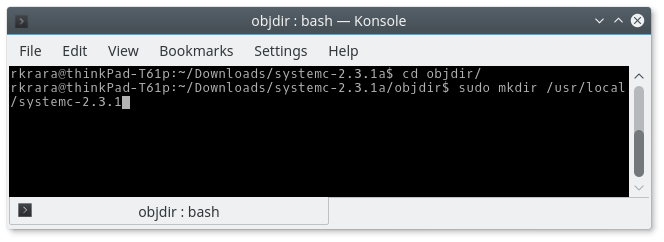
Now, we need to issue the following command from the objdir folder
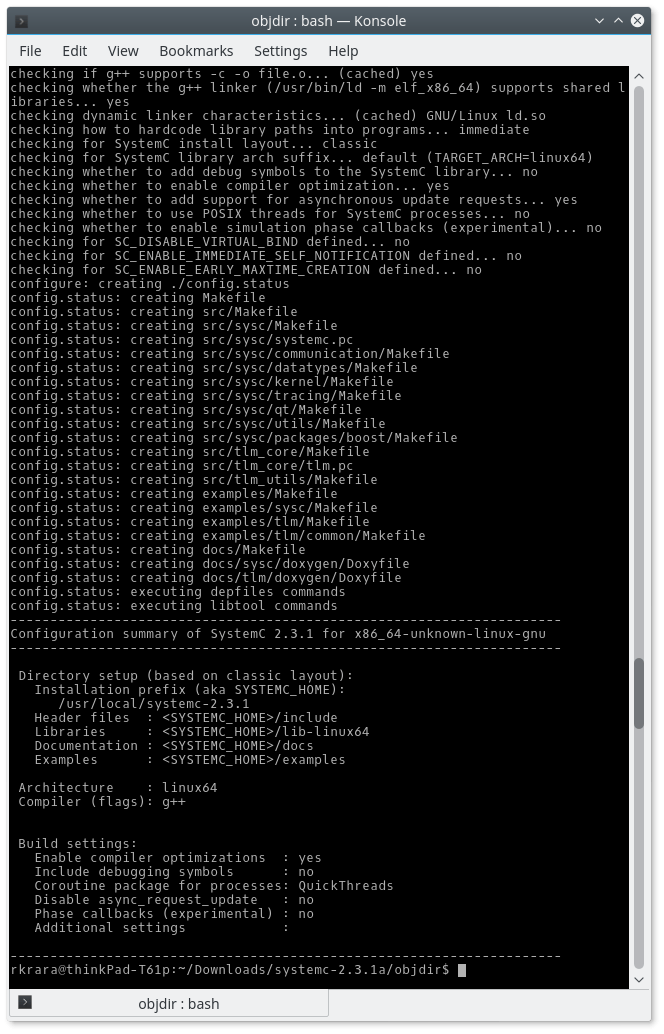
$ sudo ../configure --prefix=/usr/local/systemc-2.3.1/
And if everything went on well you should see output like this.
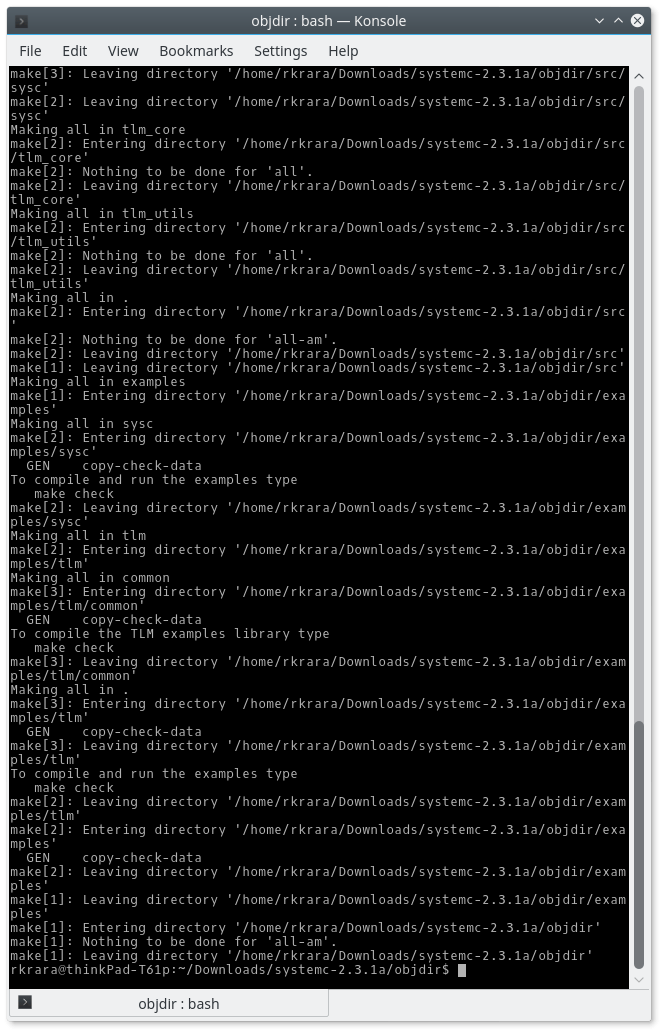
Now, issue the following command from within the objdir. Be patient it takes some time.
$ sudo make
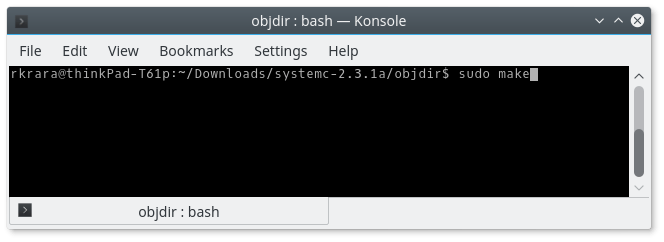
If everything went well you should see something like this.
Finally, its time to issue the install command,
$ sudo make install
on success you should see output like this
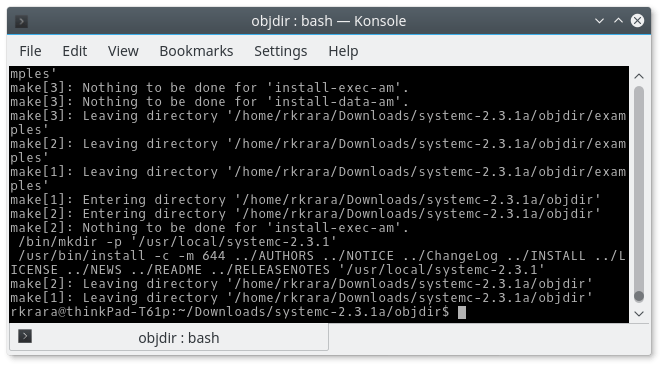
If you see something like this and not error messages, then SystemC has been installed successfully. Let’s check it by running a hello_world program.
Type or copy paste the following in a text editor and save it as hello.cpp in home directory.
#include <systemc.h>

SC_MODULE (hello_world) {
  SC_CTOR (hello_world) {
  }

  void say_hello() {
    cout << "Hello World SystemC-2.3.1.\n";
  }
};

int sc_main(int argc, char* argv[]) {
  hello_world hello("HELLO");
  hello.say_hello();
  return(0);
}
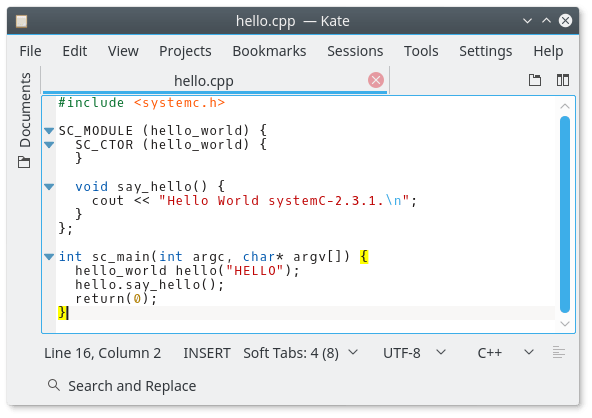
Now, use following command to export variable SYSTEMC_HOME
export SYSTEMC_HOME=/usr/local/systemc-2.3.1/
Now in order to create executables run the following command based on your computer architecture (i.e. 64 bit or 32 bit)
For 64 bit: (notice command is long, scroll to see more on the right)
g++ -I. -I$SYSTEMC_HOME/include -L. -L$SYSTEMC_HOME/lib-linux64 -Wl,-rpath=$SYSTEMC_HOME/lib-linux64 -o hello hello.cpp -lsystemc -lm
For 32 bit: (notice command is long, scroll to see more on the right)
g++ -I. -I$SYSTEMC_HOME/include -L. -L$SYSTEMC_HOME/lib-linux -Wl,-rpath=$SYSTEMC_HOME/lib-linux -o hello hello.cpp -lsystemc -lm
After you have run this command an executable file called hello should have been created in the same directory.
Execute the hello program/executable file with the following command
./hello
And you should see the following output, which verifies you have installed SystemC-2.3.1 successfully. Congratulations.


 Learning How to do something